Clinical Pharmacist · Alexandria University 2021 (كلية الصيدلة، جامعة الإسكندرية)
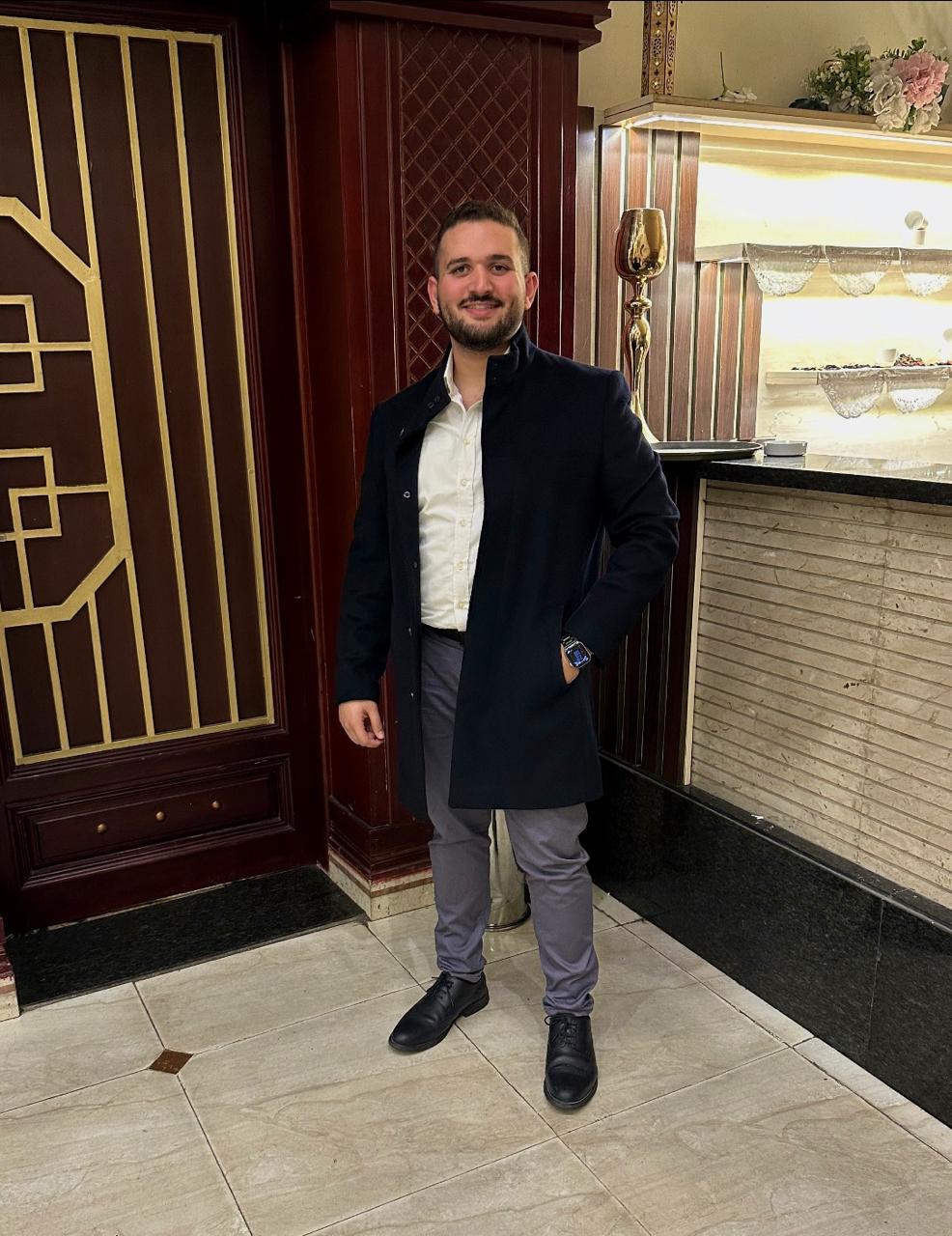
Dr. Mostafa ElReweny is a passionate IGCSE Chemistry teacher dedicated to helping students in Grades 9 and 10 build confidence, curiosity, and strong scientific understanding.
Top IGCSE Results
Alexandria, Egypt
200+
Students Taught
Ex IGCSE Student
Studied the same syllabus — he gets it
About
Making IGCSE Chemistry Click for Every Student
Dr. Mostafa ElReweny is a Clinical Pharmacist who graduated from the Faculty of Pharmacy at Alexandria University in 2021 (كلية الصيدلة، جامعة الإسكندرية). His teaching approach focuses on simplifying complex concepts, connecting chemistry to real-life applications, and creating an engaging learning environment where every student can reach their full potential.
As a former IGCSE student himself, Dr. Mostafa studied the exact same syllabus his students are tackling today — so he understands first-hand where the tricky parts are, what examiners look for, and how it feels to sit those exams. That lived experience lets him relate to his students in a way most teachers can't.
He believes that success in science comes not only from memorization, but from truly understanding how and why things happen. Through supportive guidance, interactive lessons, and consistent encouragement, he strives to help his students achieve outstanding academic results while developing a genuine appreciation for chemistry and learning itself.
Recorded Lessons
Rewatch anytime
Weekly Homework
Tracked & reviewed
Instant Marks
Grade 1–9 system
Parent WhatsApp
Updates & credentials
AI Chemistry Assistant
Students get 24/7 access to an AI tutor powered by Grok. Ask any IGCSE chemistry question — equations, bonding, organic chemistry — and get instant, clear explanations in English or Arabic.
Your homework after it was corrected. Photos stay for 1 week, then they're removed.
Loading…
Attendance
Your attendance record
0
Present
0
Absent
—
Rate
Date
Lesson
Status
Performance
Teacher's Comment
Marks
Your exam results
Exam
Score
Out of
%
Grade
No marks yet.
Class Wall
Announcements from Dr. ElReweny
AI Chemistry Helper
Ask any IGCSE chemistry question — available 24/7
Heads up: This AI can make mistakes and may sometimes give information outside the IGCSE syllabus. Always double-check important answers against your notes, textbook, or Dr. Mostafa — don't rely on it alone.
AI
Hello! I'm your IGCSE Chemistry AI assistant, powered by Grok. Ask me anything about chemistry — atomic structure, bonding, reactions, organic chemistry, and more. I'm here to help you understand and prepare for your exams!
Dr. ElReweny
Admin
Dr. Mostafa ElReweny
Assistant
Upload Video
Requests0
Homework
Check Homework
Marks
Attendance
Accounts
Class Wall
Admin
Settings
Log in log
Assistant Monitor
Storage
Site Media
AI Usage
Video Usage
A
Admin
Administrator
Upload Recording
Upload an MP4 straight from here — it goes to secure video hosting. Or paste a Drive/YouTube link.
Upload a video file
Preparing…
The file uploads straight to secure hosting and is compressed to 720p. Keep this tab open until it reaches 100%. After that it needs a minute to finish processing before it plays.
Or paste a Drive / YouTube link
ℹ Google Drive: in Drive, right-click the video → Share → "Anyone with the link" (Viewer) → Copy link. Paste it here in any format (view, preview, open?id=, uc?id=) — it'll auto-convert. For the smooth phone player: in that same Share dialog → → leave "Viewers and commenters can see download" ON (don't disable downloading). Disabling it forces the old, glitchy Drive embed on phones. Students never see a download button either way — the name watermark covers every frame, so leaks stay traceable. ℹ YouTube: paste any youtube.com/watch, youtu.be, or youtube.com/embed link.
Uploaded Videos
No videos uploaded yet.
Recording Requests
Students asking to watch a Private recording — approve or decline
Loading…
Homework
Assign and review homework
Check Homework
Upload a photo of each student's corrected homework — one student at a time.
Every photo is compressed automatically before upload, and all checked photos are deleted after 1 week to protect your storage.
Students
Choose a school, level and homework above.
Marks Entry
Enter exam results for students
Grade Thresholds (% from)
Student
Score
Grade
Attendance
Mark student attendance
Mark Attendance
Student Accounts
Create and manage accounts
Create Account
Account created — send credentials:
All Students
No students yet.
Class Wall
Post announcements to students
Log in log
Every device that has signed into an account, and when. Click "Revoke" to force that device to log out next time.
Student
Device
Last Seen
First Seen
Loading…
Assistant Monitor
Everything your assistants do — uploads, homework, marks, approvals, deletions.
Loading…
Storage
How much of your 20 GB Supabase storage is in use (homework images + site media).
Loading…
Site Media
Replace the photos and student reviews shown on your public landing page.
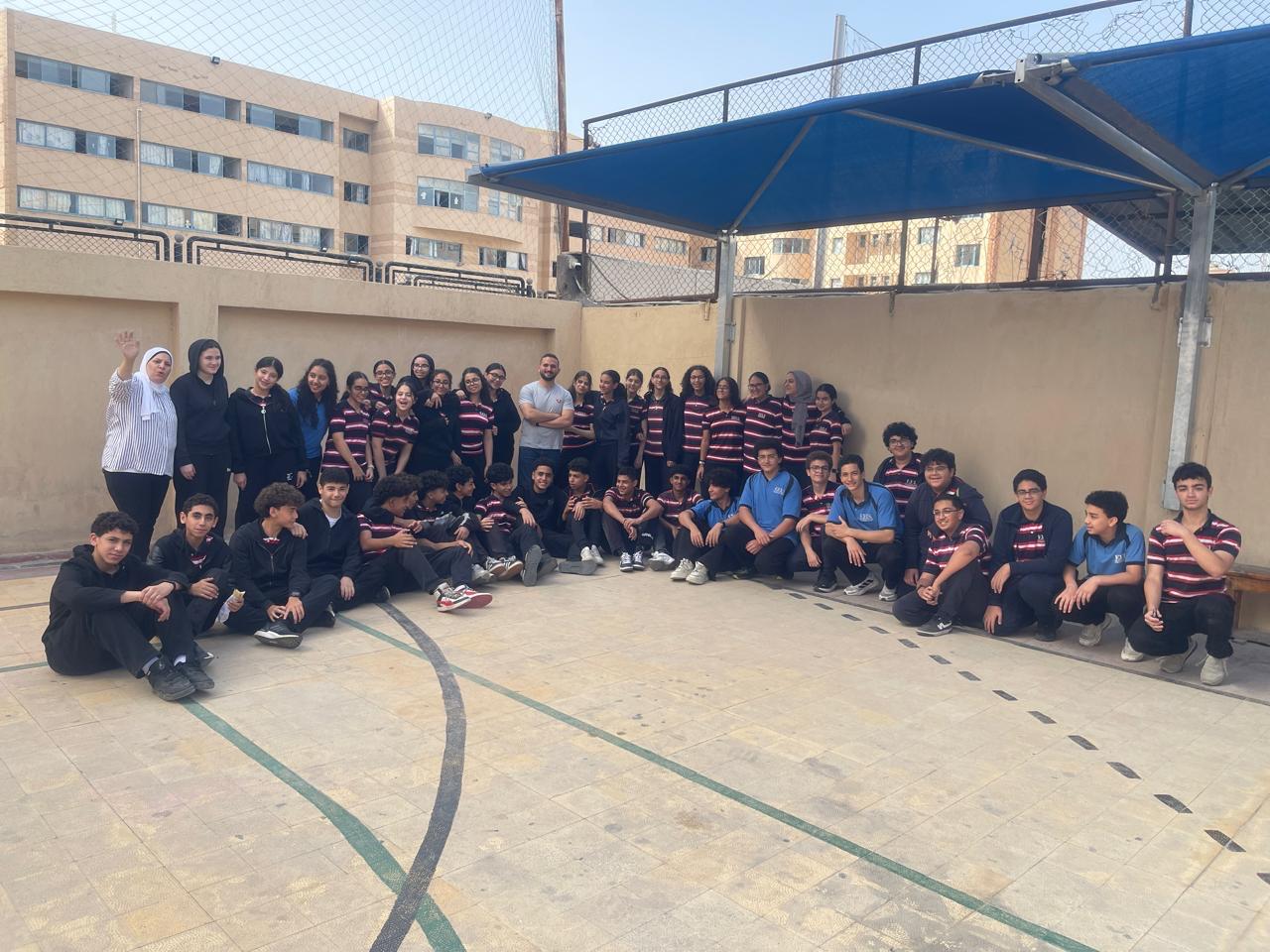
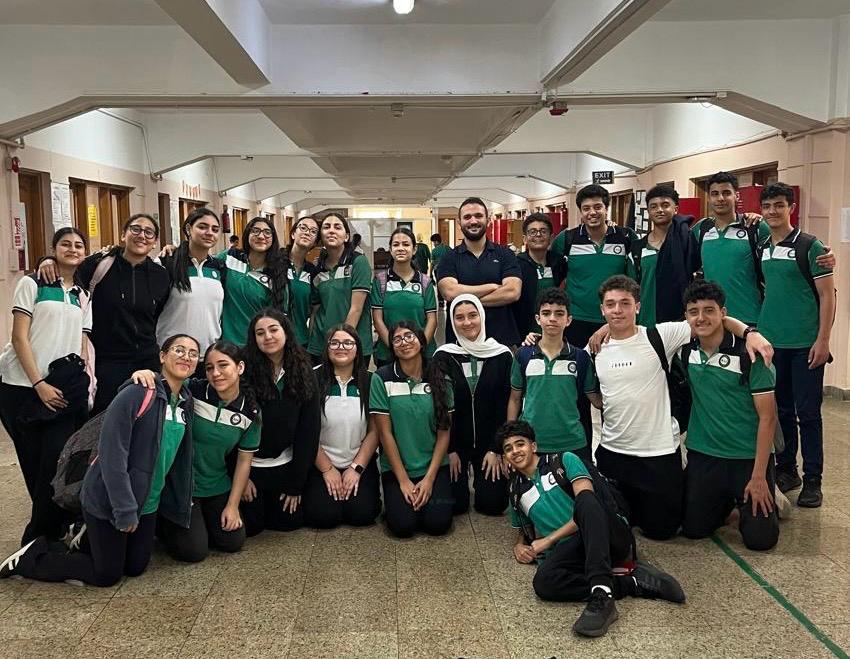
Class Photos
Shown in the "With His Students" gallery.
Student Reviews
Screenshots shown in the "What Students Say" section.
AI Usage
How much the study assistant is used, and by whom. Capacity resets automatically every day.
Loading…
Video Usage
Storage and views for your portal-hosted recordings (Bunny).
Loading…
Settings
Manage your account and administrators.
Change Your Password
Pick a new password for your Admin account. You'll stay logged in — the new password applies next time you sign in.
Lost a device? Panic button
Forces every other device that's currently logged in as you to sign out. Use this if you lost a phone or laptop with this Admin account still logged in. This device stays signed in.
Create Assistant Account
Spin up a new assistant. They get the same powers as you EXCEPT they can't manage other assistants or use the danger zone.
Assistants
Every Admin and Assistant account on the platform. Change their password to lock them out and hand the new one to whoever should keep working. Sign Out kicks every device they're currently on.
Danger zone
These are irreversible. Triple-check before clicking.
No settings available for Assistants.
If you need your password changed, ask Dr. Mostafa — only the Admin can reset passwords (yours, other Assistants', or any student's). The same goes for managing other Assistants and the danger zone.
Submit Homework
Checked homework
For — add one or more photos of the corrected work (take them with the camera, or choose from your device), then press Save. Every photo is compressed automatically.
Submitted Work
0:00 / 0:00
Tap for full screen, then turn your phone sideways.
On a phone the PDF may not show here — tap Open in new tab below to view it in your browser's PDF viewer.